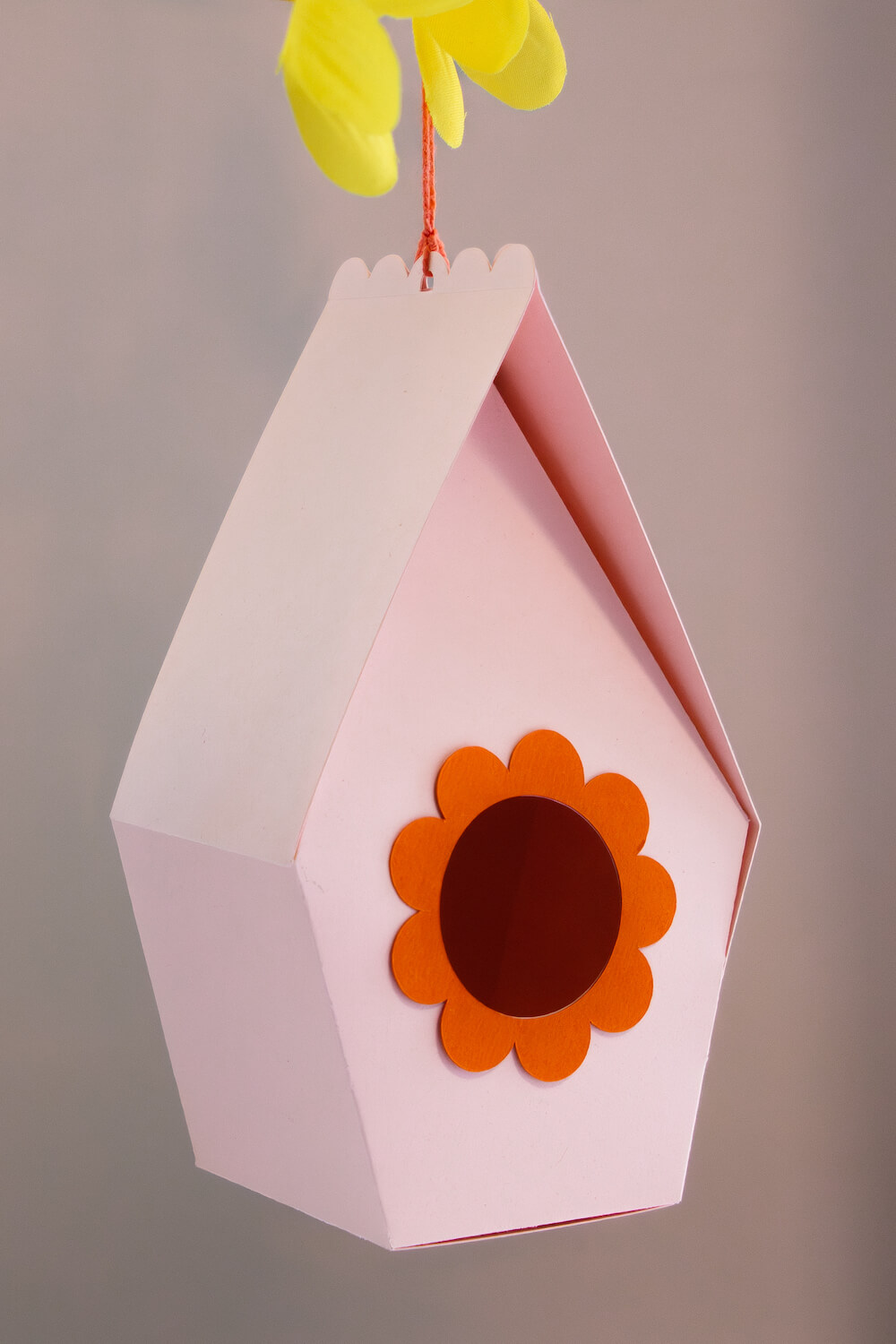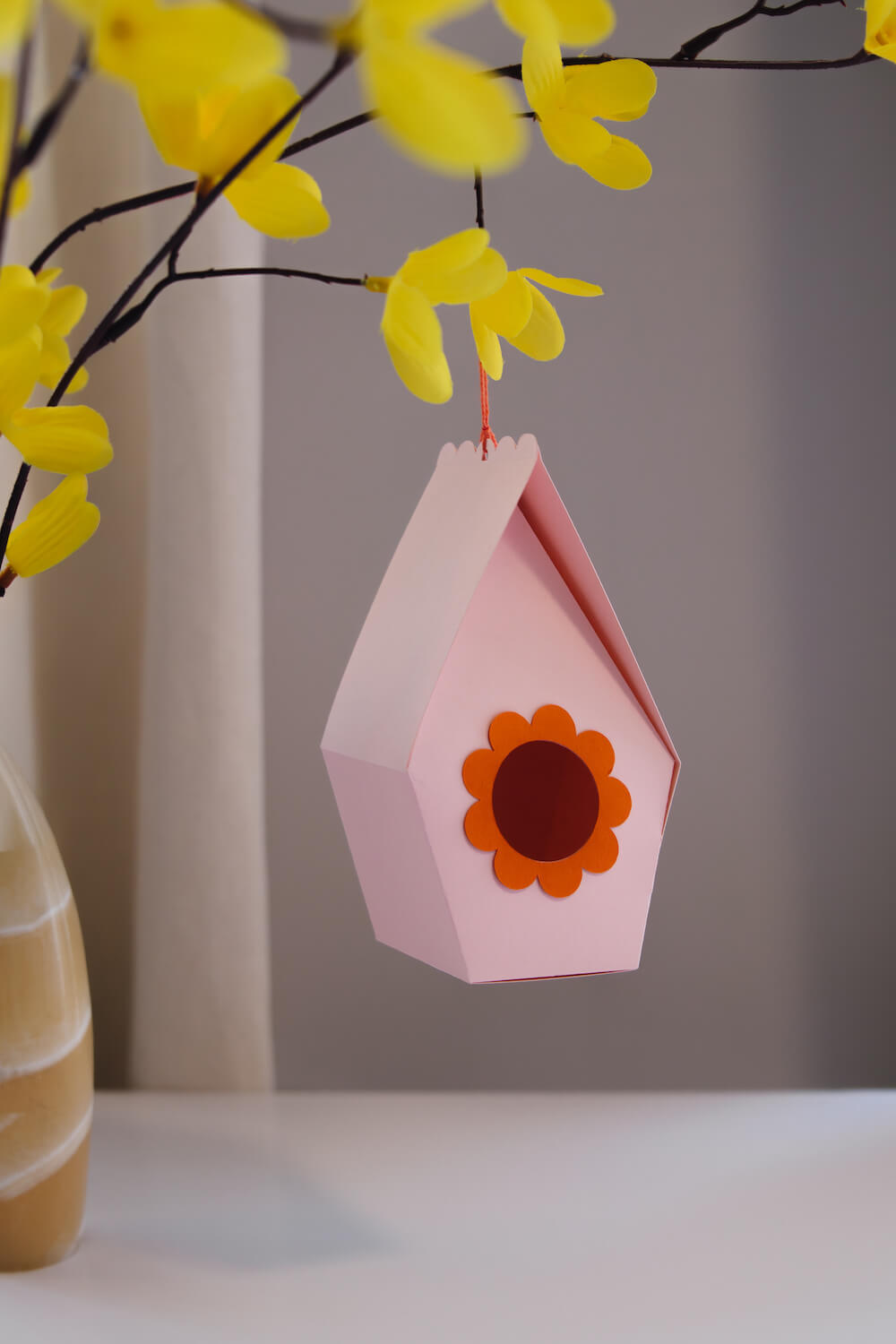
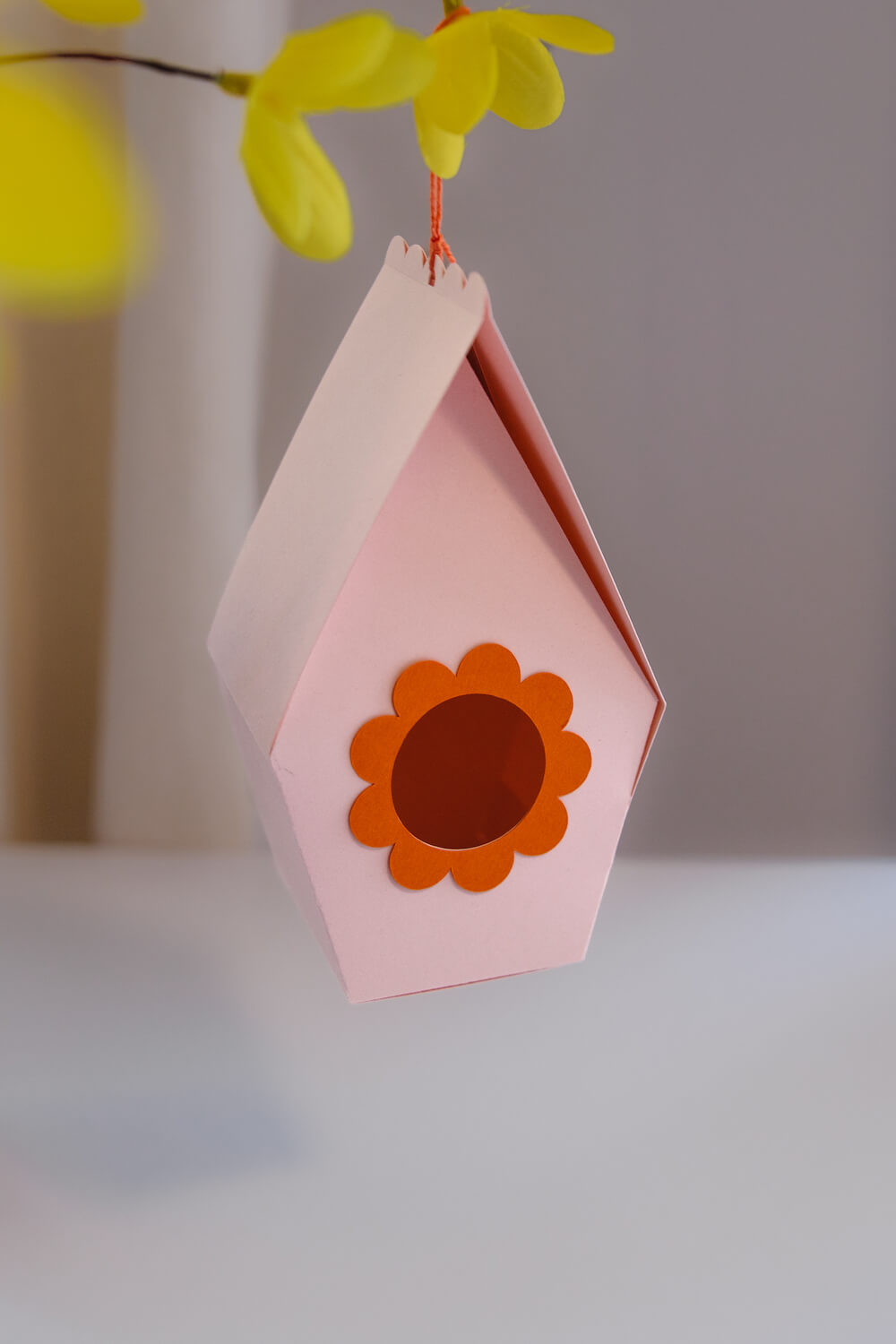
Download this free Birdhouse Easter Box SVG for Cricut!
This sweet spring gift box is perfect for Easter treats, chocolate eggs, and DIY table favors.
Important: Be sure to follow the instructions found within this post on how to correctly set up the birdhouse score lines in Cricut Design Space.
Please note, this post contains affiliate links. These links don’t cost you anything extra, but allow me to run this site and provide free content for you. You can read the full disclosure here.
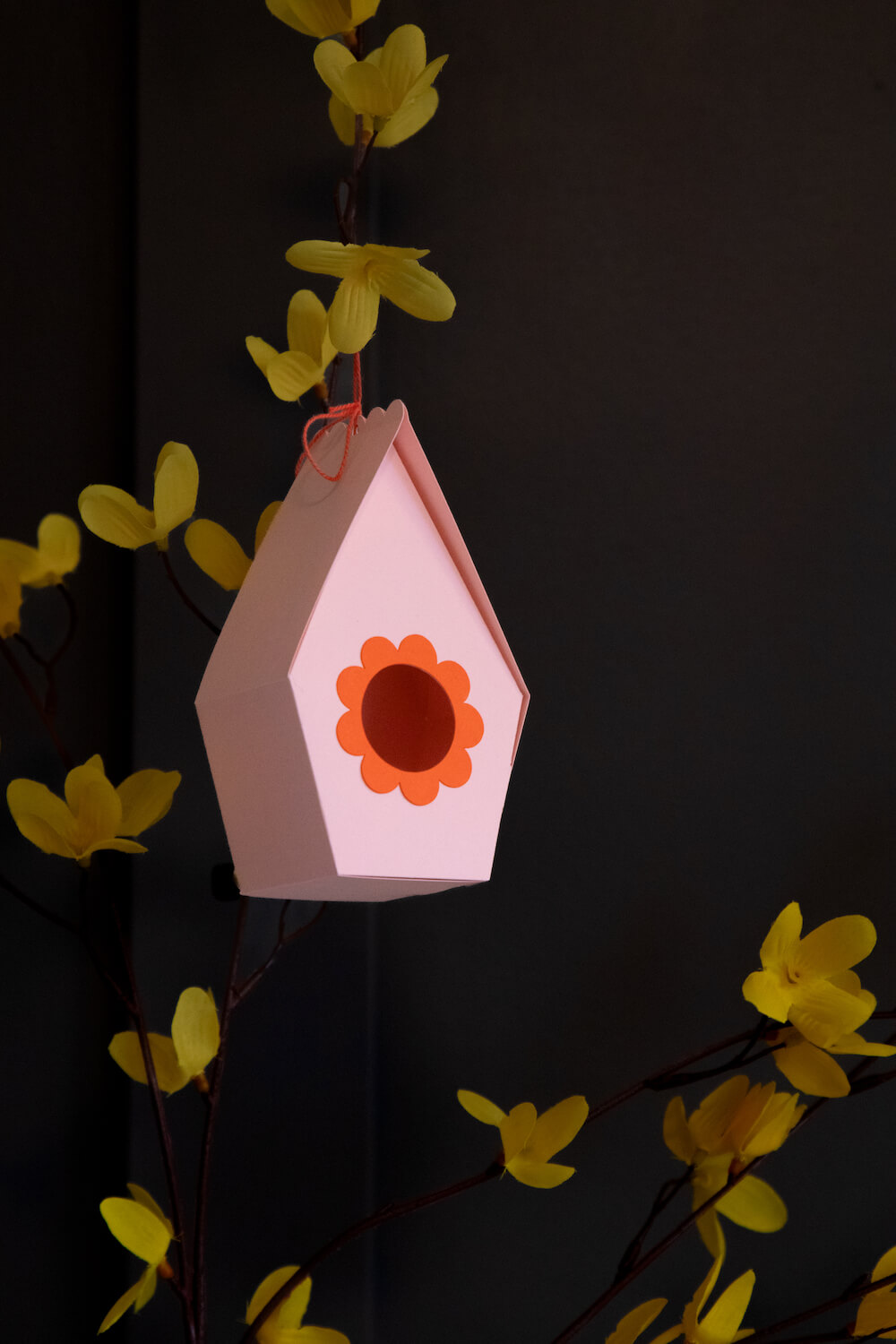
Good news! Spring is truly just around the corner. There is a sweet children’s book my daughters and I enjoy called “Spring for Sophie.” The illustrations are captivating and inspiring. Ever since reading it, my daughter and I love to look for signs of Spring when we’re out walking. One of the most obvious signs is the increase in birds chirping as the days grow warmer.
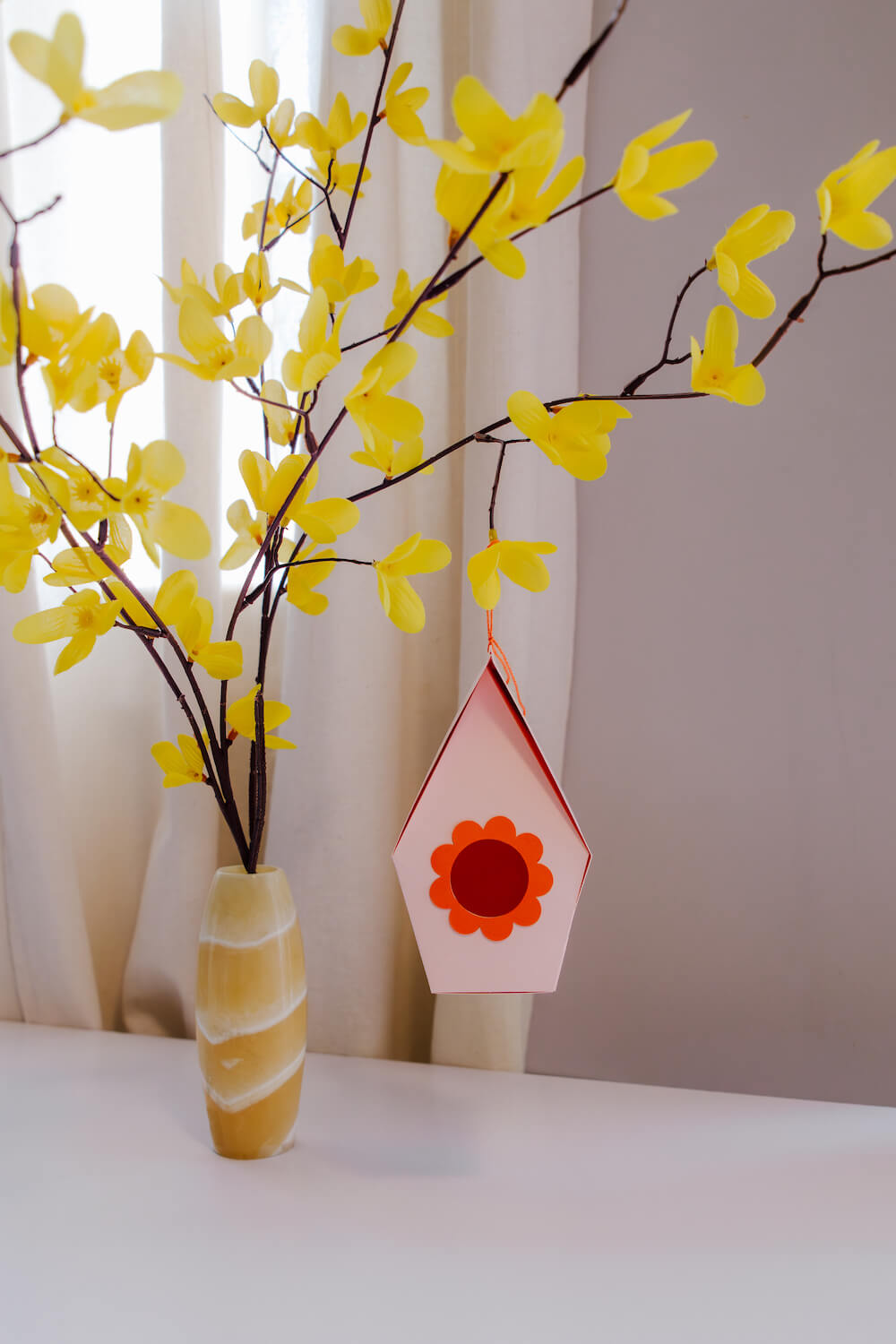
With Spring comes Easter… and what my daughter often associates Easter with: chocolate. With gifts of chocolate comes the need for gift boxes—so today’s free SVG file is this sweet Birdhouse Box! Simply download the file from the Gilded Stork library and cut it out with your Cricut machine. It’s quick and easy to score and fold.
Looking for more package/box designs to make with your Cricut? See all my packaging designs here.
Looking for more Easter designs to make with your Cricut? See all the my Easter designs here.
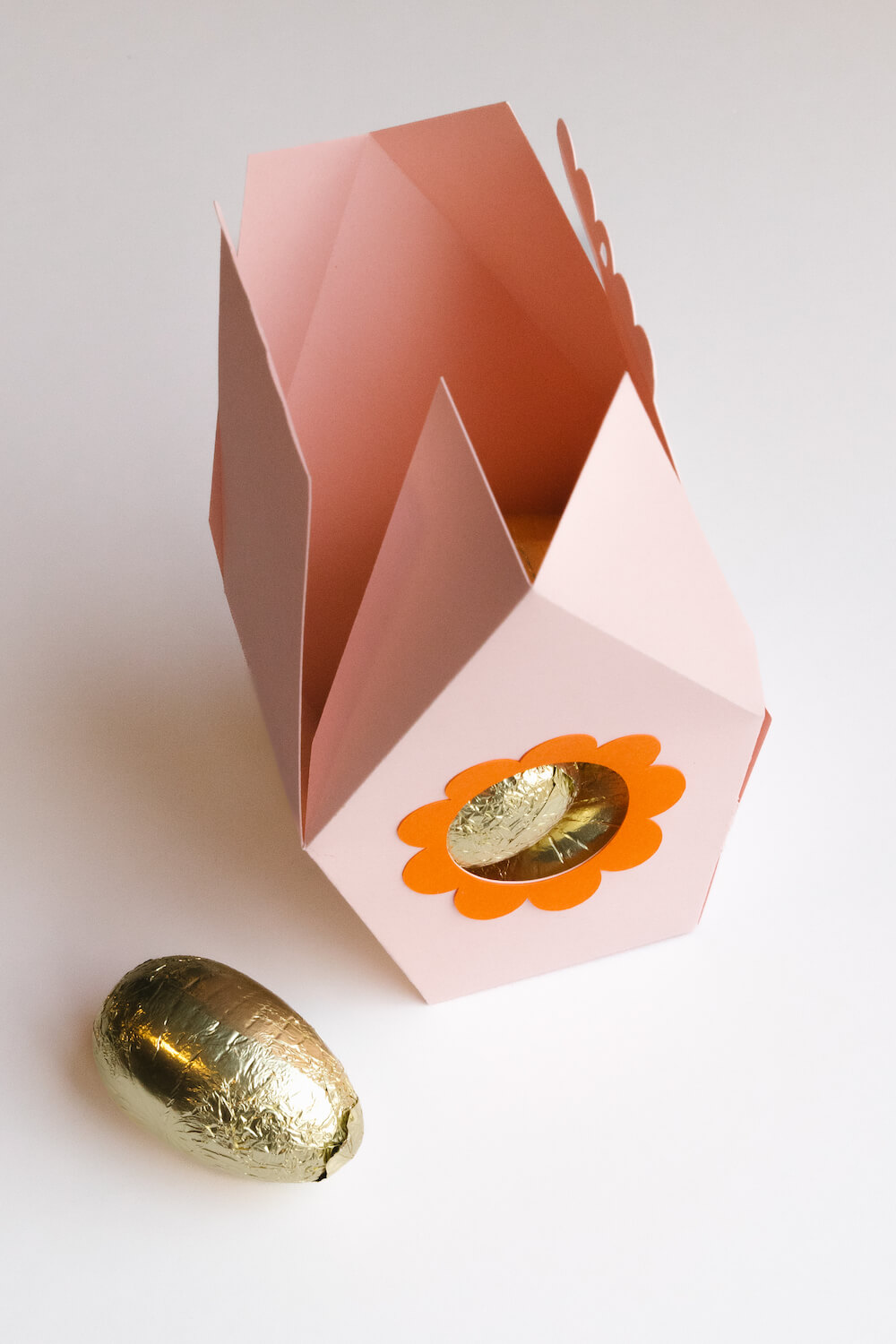
I placed large chocolate eggs inside my gift box, but if you’re using it for smaller treats, you could cut a window from plastic acetate to secure within the round opening.
This box can also be hung on branches placed in a large vase to create a lovely centrepiece for your Easter celebration. You could also use them as table place holders—or simply enjoy them just as they are.
Accessing Your Free Design from the Gilded Stork Design Files Library
To get started, visit the Gilded Stork Design Files Library and download the Free Birdhouse Easter Box SVG (#96). Once downloaded, upload the file into your Cricut Design Space. Follow the steps below for how to correctly position the score lines. I have also included a step-by-step video tutorial with the SVG download.
Correctly Positioning the Score Lines
- Upload both files and place them onto your canvas.
- In the Layers panel, right-click on the Easter-Birdhouse-Box file and select “Ungroup” so the birdhouse box is separated from the flower window frame.
- Select the Birdhouse-Score-Lines layer, then click “Attach” at the bottom of the Layers panel to keep the lines in place.
- With the attached lines selected, change them from Cut to Score using the dropdown menu above the canvas.
- Select both the birdhouse shape and the score lines. Use the Align dropdown to align them to the Top and Right.
- Finally, click “Attach” again at the bottom of the Layers panel to secure the score lines in the correct position.
- Proceed to score and cut out following your Cricut machine’s prompting.